
How I Make My CAD Models Easier for Others (and Myself) to Understand, Use, and Update
Feb 13, 2026 | 2 min read
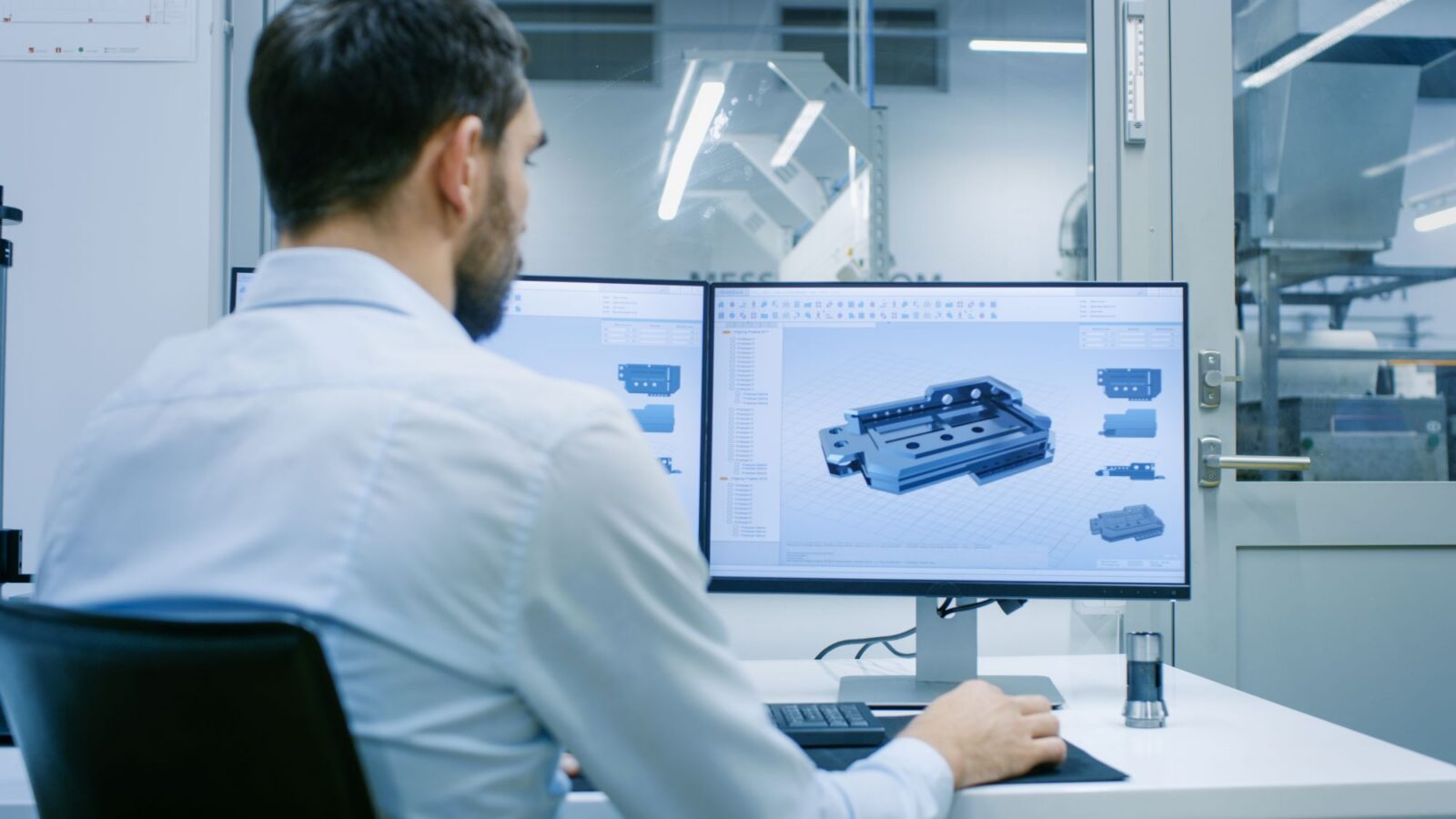
Sometimes the hardest part of CAD design isn’t the part itself but making it quick and easy to reuse and/or modify in the future. I’ve seen smart engineers struggle with messy feature trees, broken references, and CAD files that only make sense to the person who created them. We’ve all been there and know how frustrating it can be.
In this article, I’ll walk through what makes CAD models hard to understand, what information should always be included, and 12 practical tips to help your team reuse your work without guessing your intent.
You can jump ahead to any section that matters most to you:
- Why your CAD model may be confusing
- What information every reusable CAD model needs
- How to organize features clearly
- How to name parts and features
- How to build easy-to-edit models
- How to simplify models for reviews
- Mistakes to avoid
- Downloadable checklist: 12 practical tips for clearer CAD
Why Is My CAD Model Hard for Others to Understand?
Engineers and designers don’t set out to create confusing models. The usual suspects include deadlines, lack of experience, lack of design intent, and (again) deadlines. It’s easy and sometimes necessary to rush through the initial design; leaving setup, documentation, references, links, and overall organization behind. That’s how you end up with:
- Long, disorganized, hard to read feature trees.
- Sketches built on top of random surfaces and features.
- Sketches and/or dimensions that reference features that might change.
- Suppressed features that are no longer needed.
- Multiple reference bodies with no history.
- An overall design that doesn’t update when a feature is changed, added, or removed.
- Drawings that don’t update correctly when the 3D is modified.
When someone on your team opens a model like this, they’re left guessing which features matter, which were temporary, and if the references are the latest available. This slows down reviews and updates, usually creating more questions than answers.
A simple fix is to build with the next engineer in mind, even if that happens to be yourself. When you assume someone else will need to update your work, you start designing with clarity and robustness instead of speed alone.
What Information Should Every Reusable CAD Model Include?
Your software and company may use different terminology, but all CAD models should include this basic information:
- Material type/grade and part mass
- Part number, name, project ID
- Revision level, date, previous revision history
- Manufacturing notes (part and process dependent)
- Tolerances and critical dimensions, especially safety and regulatory
- Threads, holes, and fastener info
- Exploded views and important sections
- Internal and/or customer requirements and testing information
Think of this as the “starter pack” for anyone picking up your work. Your company, customer, supplier, part/process, and data management software will dictate some or all of these. Try to keep every member of the process in mind when including information about your part/product. Anyone from Design, Analysis, Tooling, Manufacturing, Test/Measurement, etc., should be able to open your CAD and find answers to the bulk of their questions.
How Do I Organize Features So Others Can Follow My Design Intent?
Feature trees should read like a good recipe: clear, simple, and logical. When I’m reviewing a model, the first thing I check is the order of operations. Does it follow the way the part would actually be built? Does it plan for future changes? Or is it a patchwork of quick fixes?
A basic feature tree might look like:
- Start with planning – Reference parts, packaging constraints, offsets, etc.
- Create the base form/body
- Add functional features – Bosses, ribs, attachment features, etc.
- Mirror or pattern repetitive work as much as possible
- Apply fillets and finishing touches
Planning and setup are the MOST important and can take considerable time up front. If your design is random and disorganized, it will be difficult to reuse and update. A more complex part/assembly might even use a separate Setup/Master file to tie many parts together for more accurate updates.
What’s the Best Way to Name CAD Features, Parts, and Assemblies?
Good naming saves hours of confusion. You don’t need a perfect system—just a consistent one.
For example:
- Instead of “Extrude1” try “Rib Structure”, “5mm Screw Boss”, etc.
- Instead of “Sketch” try “Mounting Hole Locations”, “Snap Geometry”, etc.
- Instead of “PartA_v2” try “Support Bracket_RevB”
Name parts, bodies, and features based on their purpose or design. This can be especially useful during planning/setup by naming surfaces, planes, sketches, tooling info, etc. Be specific. Obviously, if your company or customer has a naming convention, follow it.
How Do I Build CAD Models That Are Easy to Edit or Update?
A robust model is predictable. If someone changes a dimension or modifies a feature, the model should update as expected. That starts with planning, stable references, locked down sketches, and simplifying when possible.
Here are some starters:
- Think about what might change in the future. Will mating parts move? Will you need to swap in a new A-surface? What if you need to thicken or add more ribs because of initial FEA?
- Walk through your DFMEA. Know your most important features and label them or make notes.
- Try not to reference or dimension sketches to previous features. This can cause a snowball effect if the original feature or reference is modified.
- Try using axis, planes, or offsets to setup your initial sketches.
- This also helps when setting up your drawing datums later.
- Use planes or axis to locate features like bosses, snaps, holes, touch offs, etc.
- This makes them more independent, easier to update, and easier to relocate.
- This also makes updating mating parts much easier.
- Add planes or use current planes as your drawing section locations. These are easier to update when features change or move.
- Match the complexity of your product. This is the tricky part. The more complex a part, the more time you should be spending on planning and setup.
How Can I Simplify or Restructure My Assembly/Product for Faster Design Reviews?
Some simple ways to optimize are:
- Suppress high-detail features
- Use lightweight assembly modes
- Hide fasteners or repeating hardware
- Use bounding-box placeholders
- Add planes at important section locations
Common Modeling Mistakes Engineers Should Avoid to Improve Reusability
The biggest issues I’ve seen are:
- Little to no setup or planning
- Overusing external references
- Leaving features unnamed
- Adding too many small details early
- Creating “black box” multi-body parts
- Forgetting to delete temporary geometry and old references
None of these are hard to fix! They just require discipline and a little extra time up front.
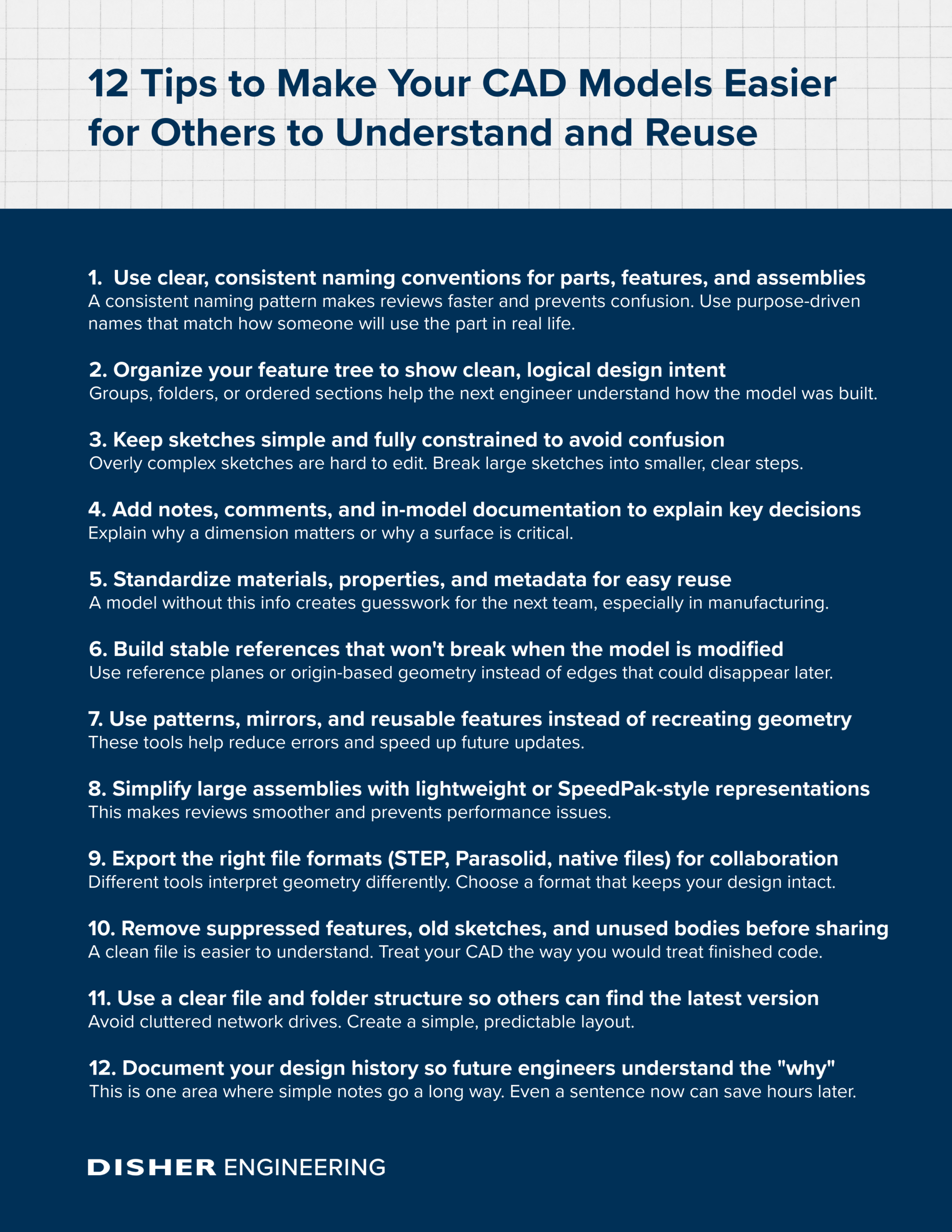
Checklist: 12 Tips to Make Your CAD Models Easier for Others to Understand and Reuse
Put Your Team in a Better Position for Faster Reviews and Better Designs
Creating CAD models that others can understand isn’t busywork. It speeds up reviews, helps teams build with confidence, and keeps projects from getting stuck.
If your team wants cleaner, reusable CAD models—or if you’d like help reviewing or standardizing your modeling workflows—let’s have a conversation. Send my team a message online, and we’ll get back to you shortly.
Written By:

Aaron Klenke
Design Engineer
DISHER Newsletter
Sign up to receive articles and insights, delivered monthly.
Schedule a no-committment project call
Reach out to discuss your project to find out if DISHER could be a good fit for you.